WordPress website maintenance services & care plans
The technical work that keeps a business website secure, fast and running, on WordPress or a modern stack: updates, backups, security, monitoring and fixes. Our care plans include all of it, plus managed hosting and premium plugin licenses, month to month.
four clients tripled conversion, ad return or revenue
projects since 2015
on Clutch in Austin: conversion optimization, landing pages
What happens without regular website maintenance
No one is watching, no backups, no emergency contact. A weekend of downtime goes unnoticed until a client tells you on Monday.
Updates are not cosmetic: unpatched plugins are a common way in for malware, and a common reason a site suddenly breaks.
Page speed degrades over time: database bloat, unoptimized images, plugin conflicts. Slow pages lose visitors before your offer.
Your developer is busy, unavailable or gone. Simple fixes turn into expensive projects because nobody owns the technical side.
A care plan is technical ownership, not a helpdesk
Most website support is reactive: you notice a problem, submit a ticket and wait. On a care plan, website management is our job: hosting, security, updates, backups, performance and support, with one owner attached.
- 1One team runs the hosting, updates, backups and security, and answers when something breaks
- 2Support by email, phone, WhatsApp and an online client portal; a monthly report on Care Plus
- 3Full admin access, and you can leave with 30 days’ notice, with backups and documentation
One vendor, one invoice, one number to call. You run your business; we own the technical side.
What our website maintenance services include
Hosting, licenses, security, backups and monitoring are included and never billed separately. New pages, sections and features are estimated first and billed at $90/h.
Core & plugin updates
WordPress core, themes and plugins updated with post-update checks; if an update breaks something that worked, we fix it. On Care Plus, changes go through a staging copy first.
Backups & emergency recovery
Files and database backups, with emergency site and database recovery on every plan.
Security & malware protection
SSL, login and brute-force protection, malware scanning, anti-bot, WAF, DDoS mitigation and forms protection, with uptime monitored 24/7.
Speed optimization & Core Web Vitals
Caching, CDN and image optimization on every plan. We target 95–100 on PageSpeed at launch.
Managed hosting & infrastructure
Hosting, SSL, server configs and premium licensed plugins included and never billed separately; we also manage your domain, DNS and business email.
Support & content edits
Support by email, phone, WhatsApp and a client portal, plus small edits: 2 a month on Website Care, 5 on Care Plus, one at a time, each done within 2 business days: text, photos, prices, team members, documents.
Our projects
150+ projects since 2015. Below, sites and apps we run: on our hosting, on the client’s AWS, with monthly support.
A slow, glitchy site fixed, a brand refresh and landing pages at 100/100 PageSpeed
Read the caseA few months ago, we sought a new web development vendor and were recommended Uwindi. … I’m grateful for their work and the peace of mind they provide in maintaining our website.

No brand and no site for ads: a rebrand and a one-page site their campaigns now run on
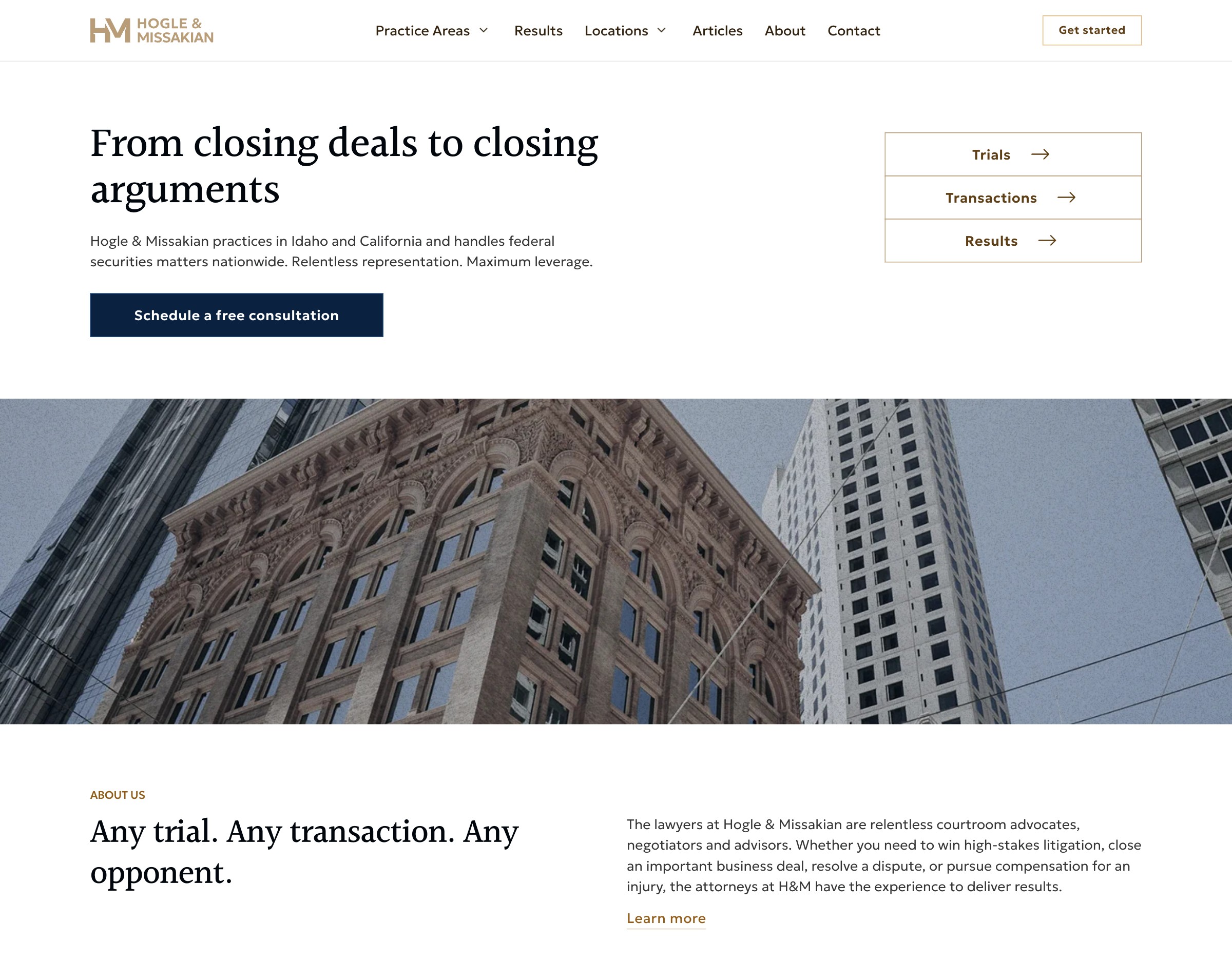
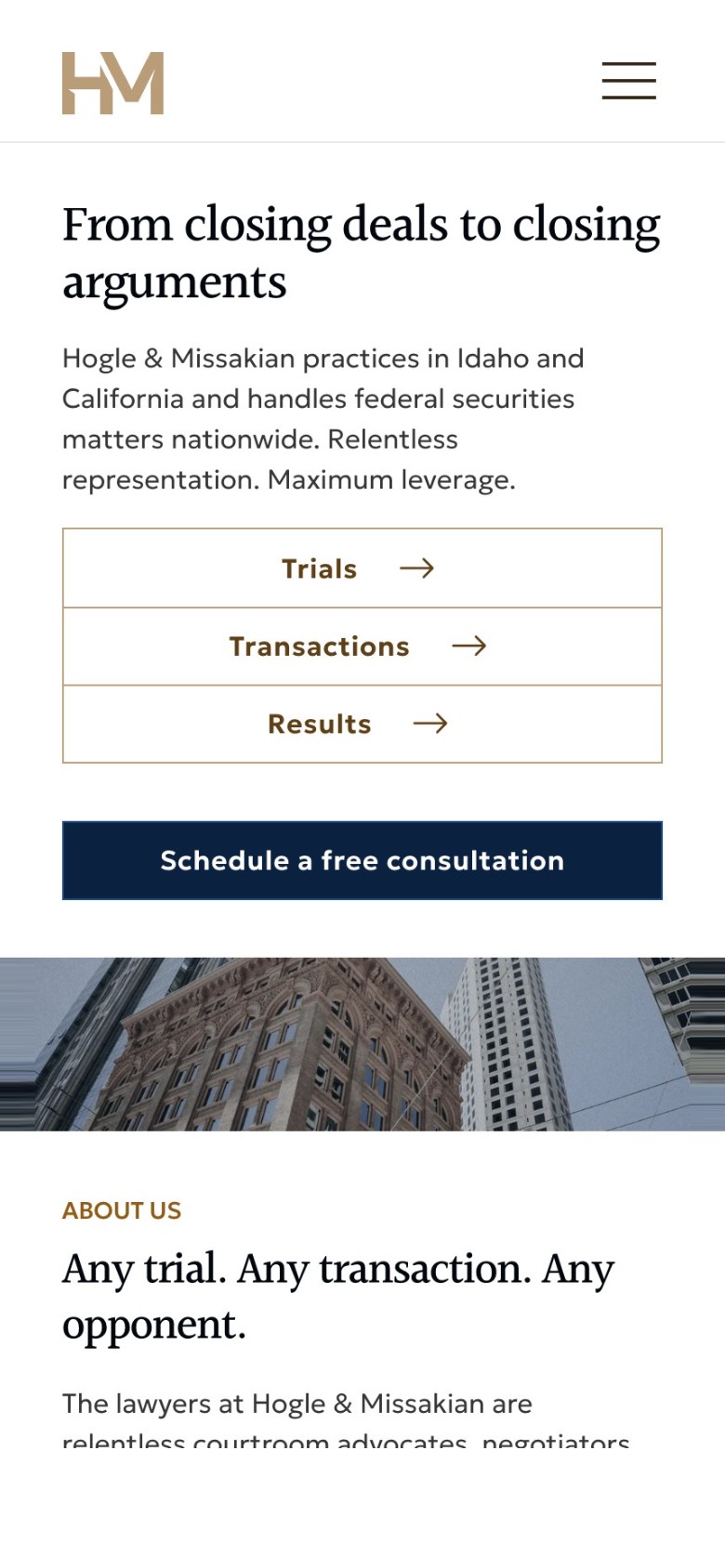
A law firm's brand and an SEO-structured site it grows itself, no developer needed
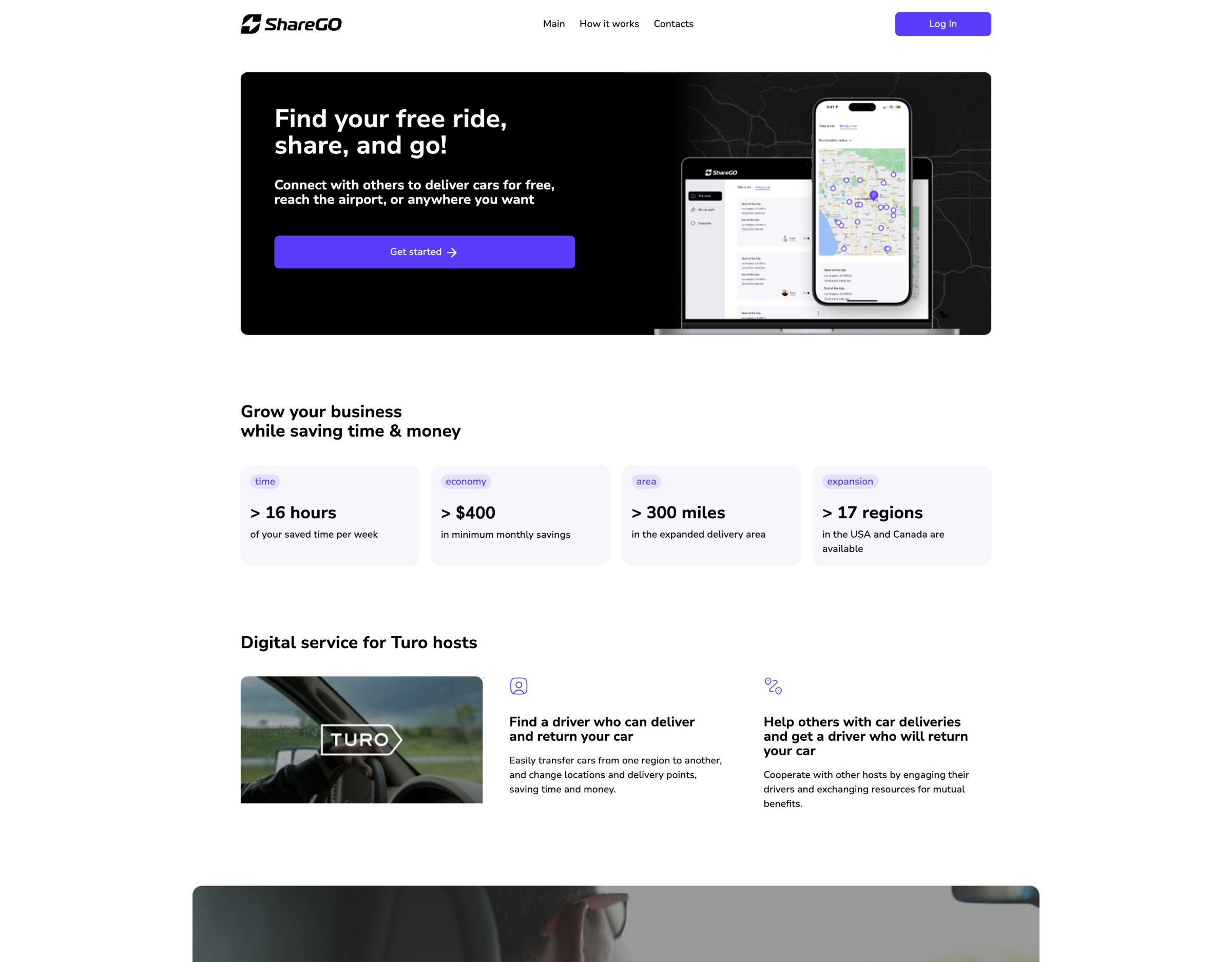
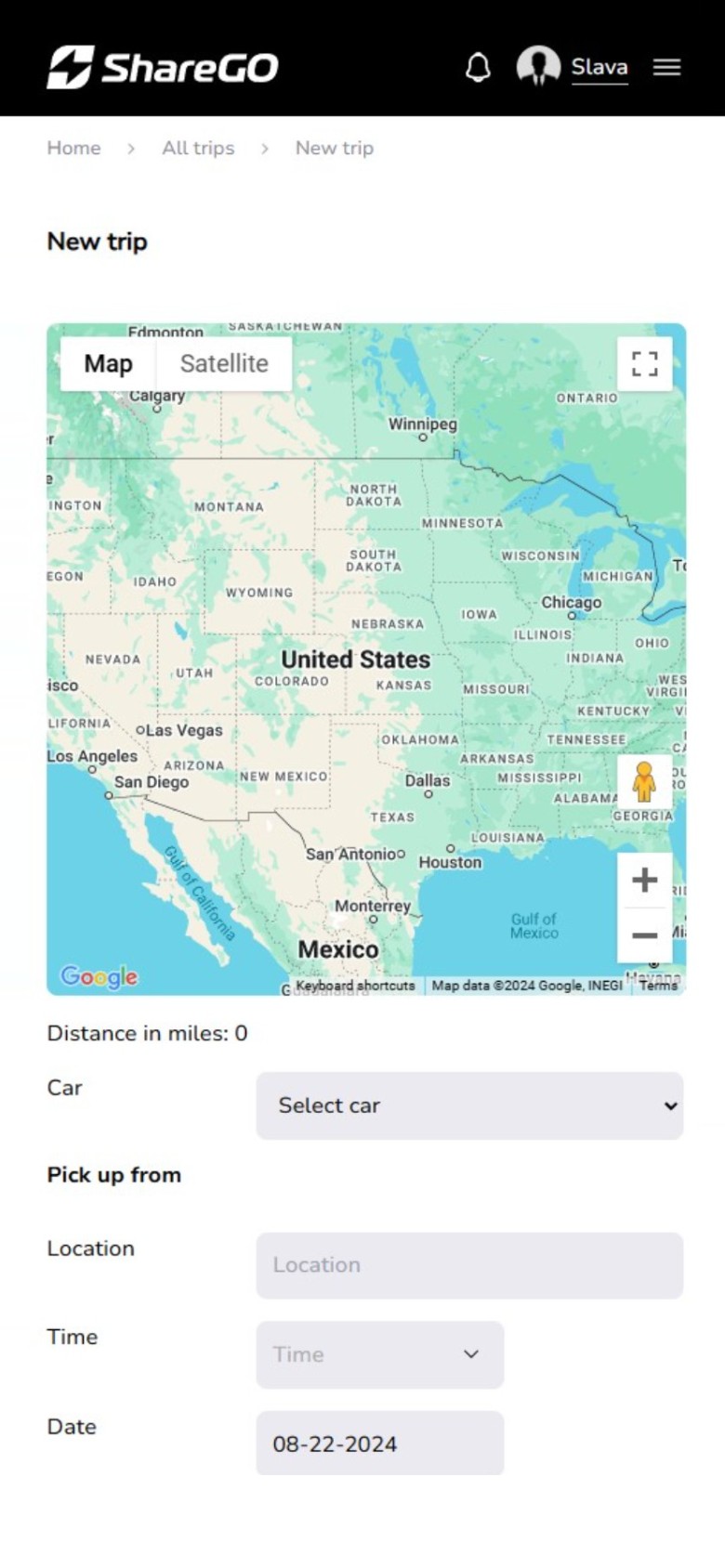
A Turo fleet service’s brand, web app and investor page: Top 20 at Startupbootcamp


A massage therapist marketplace: web app with Stripe subscriptions and search by location
Website maintenance results from our clients
Results on the clients’ own sites, quoted from our case studies across WordPress and other stacks. Not promises for yours.
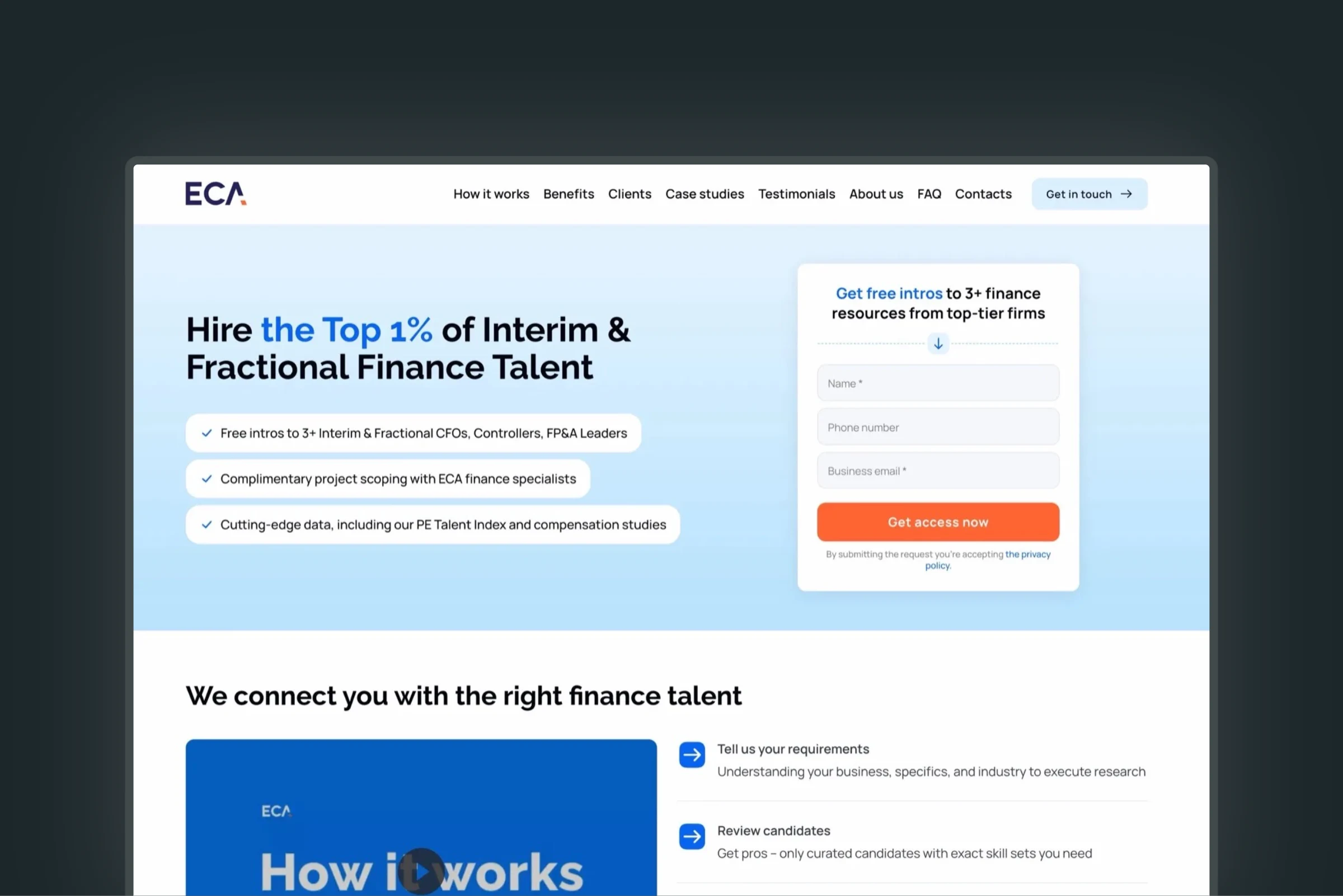
ECA: site and AWS stack taken over from a previous vendor
“All website bugs, glitches and security vulnerabilities resolved”; 100/100 PageSpeed on two new landing pages; on our support since.
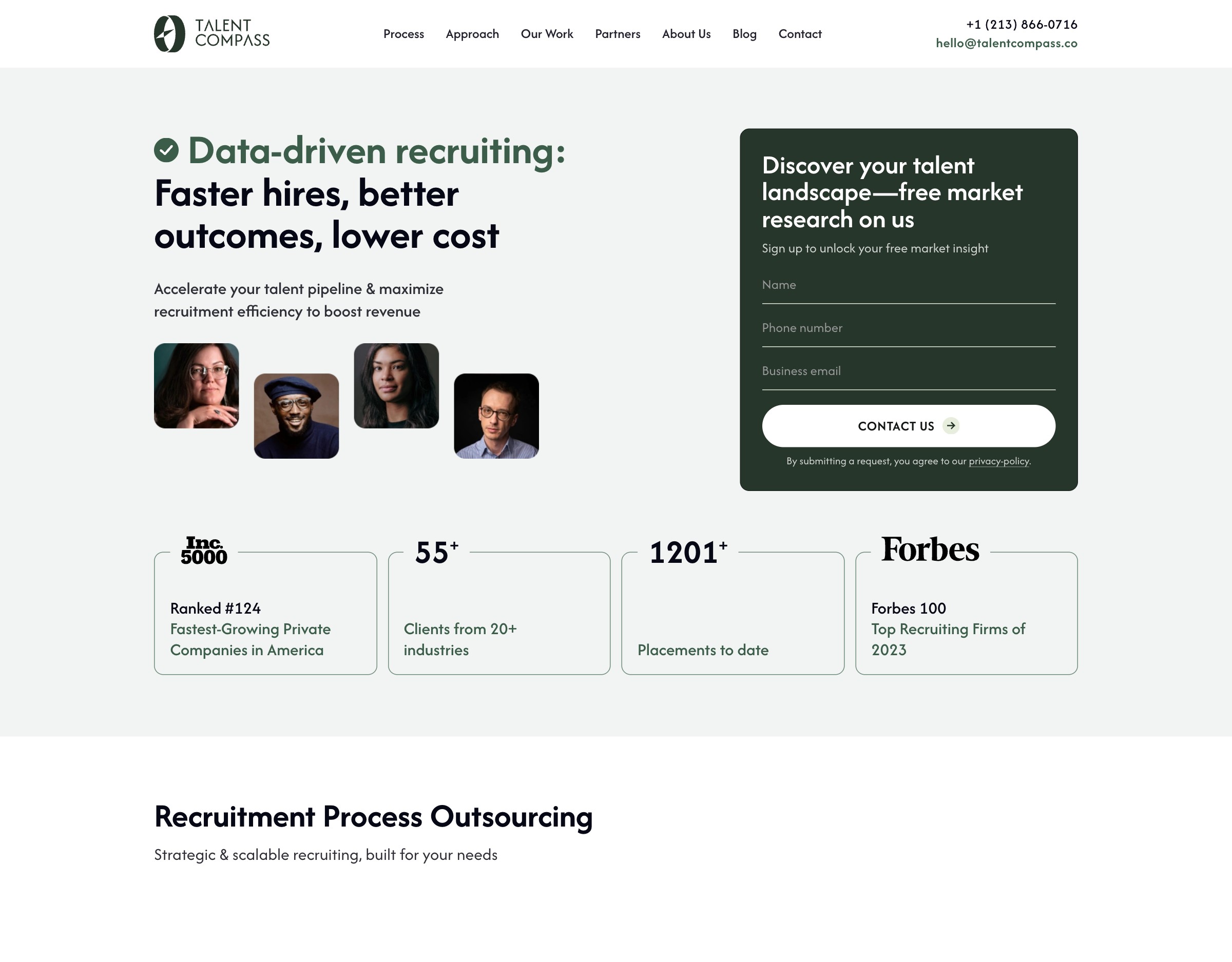
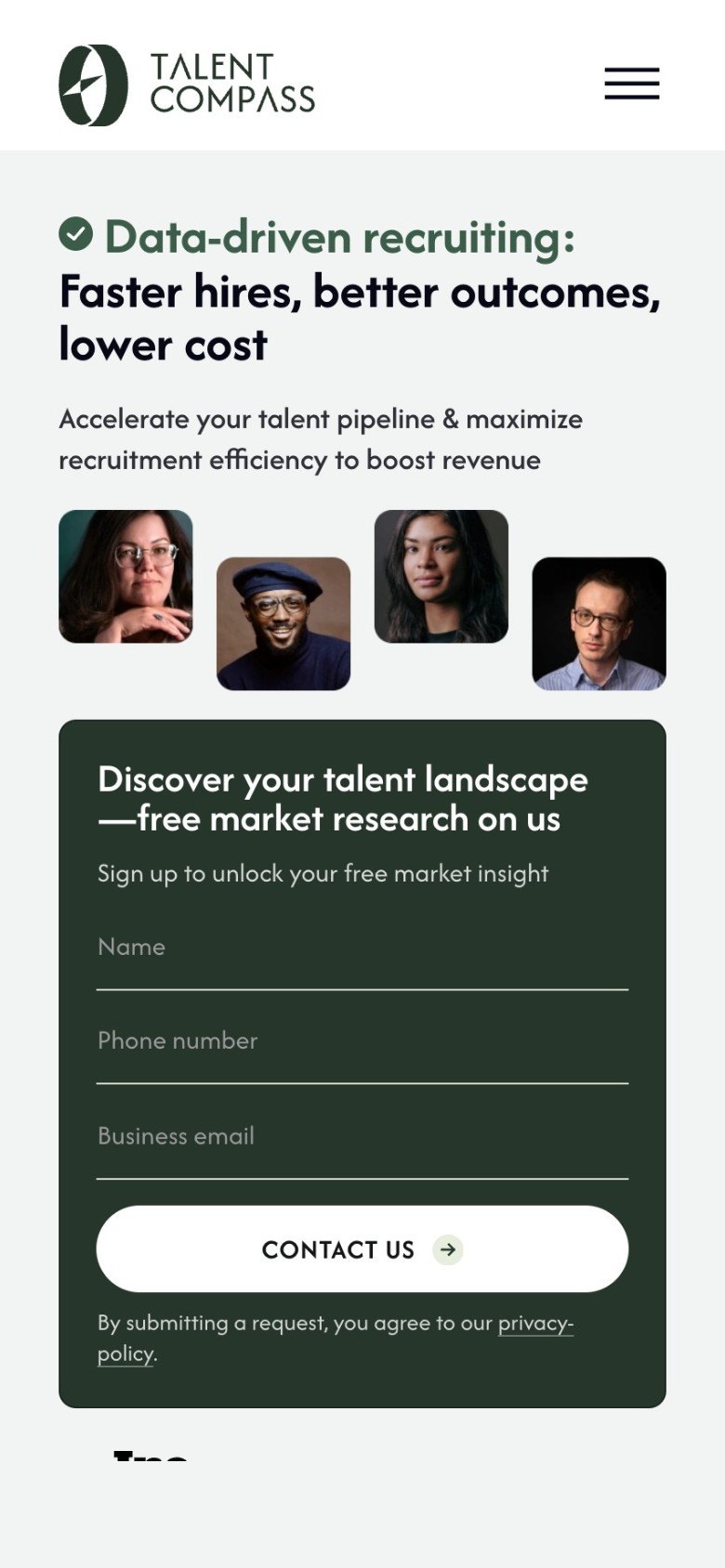
Talent Compass: on monthly support
“100/100 Google PageSpeed score on high-performance hosting”; maintenance and updates keep the site fast, secure and ready for ads.
A&O: rebuilt from Elementor, still maintained
After another contractor’s page failed: “a fast, scalable one-page WordPress website”, a multiple increase in ROI, and ongoing maintenance since.
Is a WordPress care plan right for you?
We work with clients for years, not tickets. Here is how to tell whether that is you:
- A fit: your website brings in leads or runs adsYou need it fast, secure and tracked, and a team that understands the business behind it. Every care plan is the base for our SEO and AI search services.
- A fit: nobody owns the technical side todayYour developer moved on, or another agency built the site. We audit it, move it to infrastructure we manage and take over, with a one-time $300 onboarding for sites we didn’t build.
- Not a fit: everything for one small flat feeCare covers the technical side of your site. SEO, ads and new features are team work, scoped and priced on their own.
- Not a fit: a one-off fix, not a partnerWe don’t change a site outside an active care plan. If you only need a single repair and no ongoing relationship, we are not the right team for that job.
WordPress maintenance vs managed hosting vs DIY
Managed WordPress hosting looks after the server. A maintenance service looks after the site. A Uwindi care plan combines website hosting and maintenance services, with one team responsible for the result.
Do it yourself
You buy and configure hosting, DNS and SSL, run updates and fix what they break, set up backups and security plugins, buy each premium license and make the edits. Cost: your time, hosting and licenses. Who you call: nobody.
Managed WordPress hosting
The server is included; updates, backups and security vary by host, and fixing what an update breaks is usually your job. Licenses and content edits are usually not included. Cost: the hosting fee, site work extra. Who you call: the host’s support desk.
A Uwindi care plan
Hosting, DNS and SSL managed by us; updates with post-update checks and fixes; backups with recovery; a security stack; premium licenses; small edits, one at a time. Cost: $150 a month on Website Care or $300 on Care Plus, hosting included. Who you call: our team, by email, phone or WhatsApp.
How website support and maintenance works
A site we build moves onto care after launch, with the first month free. A site built elsewhere starts with a one-time $300 transfer.
We audit the site, move it to infrastructure we manage, set up monitoring and backups, and put access in order.
Your site on our hosting, with a list of anything that needs repair, quoted before the plan starts.
We watch uptime and security, run backups and install updates with post-update checks.
A site that stays current and protected without you asking.
You write by email, phone, WhatsApp or the client portal. Critical issues get a first response within 12 hours, 8 on Care Plus, any day.
Small edits done one at a time, each within 2 business days: 2 a month on Website Care, 5 on Care Plus.
On Care Plus we send a test request through every form, check the speed and fix what we find.
A Rybbit dashboard on every plan; on Care Plus, a monthly report of what we checked, found and fixed.
No contract: month to month, cancel with 30 days’ notice.
You keep full admin access, backups and documentation.
Website maintenance packages and pricing
Three plans by how much care your site needs, on any stack. Hosting and premium licenses are included in every plan.
Website Care
On-duty care: you tell us, we fix it. Any stack, up to 20 pages.
What it includes
- Managed hosting, Cloudflare, premium licenses and backups
- Updates with post-update checks, security and 24/7 uptime monitoring
- Emergency site and database recovery, vendor and API troubleshooting
- A Rybbit dashboard by link: sources, form requests and contact clicks
- On WordPress sites, an automatic monthly maintenance report
- 2 small requests a month: text, photos, prices, team members, documents
- Critical issues: first response within 12 hours, any day. Regular requests: 1 business day
Care Plus
Proactive care: we check and fix before you notice. Any stack, up to 20 pages.
Everything in Website Care, plus
- A monthly test request through every form, so no lead gets lost
- A monthly speed check on Google PageSpeed, and we fix what slows the site down
- A monthly report: what we checked, found and fixed, plus your requests and their sources
- Critical issues: first response within 8 hours, any day
- Your requests go ahead of the queue
- 5 small requests a month
- Every change tested on a staging copy first
Custom Plan
Sites over 20 pages, or sites that run part of your business. Any stack.
Everything in Care Plus, plus
- Care for an online store and payments
- Client accounts and logins
- ERP and inventory sync
- Quote calculators and custom features
- AWS/VPS or a custom back end
- Several languages
- Scope, response times and infrastructure set in your quote
$300, for a site we didn’t build: a technical audit, moving the infrastructure, monitoring setup and access. If the audit shows the site needs repairs first, we quote them before the plan starts. Sites we build start care with no onboarding fee, and the first month after launch is free.
New pages, sections and features: you request, we estimate and complete, and invoice at the end of the month at $90/h. Major refactors are handled separately.
Each month is prepaid before the month of service. No contract: cancel with 30 days’ notice and we help migrate the site, with full backups and documentation.

Tells it like it is, doesn’t allow you to waste any time going down the wrong road.

Uwindi’s team is quick to respond via BaseCamp and phone for urgent matters.

Small tweaks he recommended that would make a large difference.

The site looks like us, not like a template.
Right after launch we started getting real booking requests from homeowners and property managers.
 Michael BrockFounder & CEO, Pristika
Based on our very positive experience, we will definitely expand the areas of our cooperation.
 Jojo DeaMarketing Manager, Motic
You ask,
we answer
- How much does WordPress website maintenance cost?
For a small business site, WordPress care plans typically run $100–300 a month; online stores and large sites cost more. With Uwindi, Website Care is $150 a month for company sites up to 20 pages, with hosting and premium plugin licenses included. Care Plus is $300 a month and adds proactive work: monthly form tests, speed checks and fixes, a monthly report and an 8-hour response to critical issues. Sites over 20 pages, or with a store, client accounts or ERP links, go on the Custom Plan from $500 a month. The price is the same on WordPress and on our modern stack, and every plan is month to month.
- What does WordPress maintenance include?
WordPress maintenance includes core and plugin updates, backups, security, uptime monitoring, performance tuning and fixes when something breaks. On a Uwindi care plan it also includes managed hosting, DNS and SSL, premium plugin licenses, business email setup, emergency site and database recovery and small content edits (2 a month on Website Care, 5 on Care Plus). New pages and features are estimated first and billed at $90/h.
- What makes Uwindi different from other WordPress maintenance services?
We treat your website as sales infrastructure, not a ticket queue. Our own team, with 150+ projects since 2015, manages your hosting, updates and security, led from the Austin area, with no white-label handoffs. And we stay for years: we learn your business, bring ideas, and connect the site to SEO, ads and lead tracking when you need them. Hosting, licenses, security and backups come on one invoice, and you keep full admin access.
- When is a Uwindi care plan not the right fit?
A care plan isn’t for you if you want SEO, ads and new features bundled into one small flat fee: those are team work, scoped and priced on their own. It’s also not a fit if you need a single one-off repair or the cheapest update-only service: we only change sites under an active plan, and we work best with clients who want a long-term technical partner.
- How do I choose a website maintenance company?
Before you hire a website maintenance provider, compare what’s included, not the headline price. Ask who hosts the site, how often backups run, whether updates are tested on staging, who fixes what an update breaks, how many hours it takes to respond when the site is down, and what happens when you leave. We publish all of it on this page: the plan cards, response times, and exit terms of 30 days’ notice with full backups and documentation.
- What's the difference between website maintenance, support, and a care plan?
Website maintenance is the scheduled work that keeps your website running: website updates, backups, security scans, and uptime checks. Website support is the response when you need a person: a broken form, a content edit, a question, or a site that’s down. Many providers sell the two separately. A Uwindi care plan puts both on one invoice with the hosting: licenses, maintenance, security, small edits and set response times, from $150/month. Regular requests get a first response within one business day.
- Do I need a WordPress maintenance plan, or can I maintain my site myself?
You can maintain your website yourself if you have time for routine website maintenance: running updates, testing the site after each one, managing backups and security, and fixing what breaks. Most business owners would rather not. A WordPress site without managed updates doesn’t stay still: it degrades, and recovering from one compromise costs more than a year of care. A plan pays off once the site brings in leads.
- What's the difference between Website Care and Care Plus?
Website Care is on-duty care: we keep the infrastructure safe and current and fix what you or our monitoring report. Care Plus is proactive: every month we test your forms and check the speed, fix what we find before you notice, and send a report. Care Plus also gets an 8-hour response to critical issues, 5 small requests a month instead of 2, and a staging copy for every change.
- Does the price depend on WordPress or the modern stack?
No. You pay for the level of care, not for the technology. The technology is chosen when we build the site.
- Which plan fits my site?
Website Care for most company sites. Care Plus when the site brings most of your calls and requests. The Custom Plan for sites over 20 pages, or with a store, client accounts, ERP links or your own servers.
- What counts as a critical issue?
Problems that cost you requests or money: the site is down or shows an error, forms don’t reach you, a security breach or browser warning, an expired SSL certificate, a broken checkout or payment, data loss, or a key page broken so it can’t be used. Typos, a photo to replace or a small layout shift on one device are regular requests.
- Do you fix Search Console errors?
Search Console, indexing and rankings are part of our SEO plans. Care keeps the site itself working and fast.
- Is hosting included in your WordPress maintenance plans?
Yes. Managed hosting is included in Website Care and Care Plus, together with domain, DNS, SSL and server configuration. For a site we didn’t build, the one-time $300 Transfer & Onboarding covers the technical audit and the migration to infrastructure we manage. Sites on AWS or a VPS, or with a Laravel or custom back end, are on the Custom Plan: from $500/month, quoted by complexity.
- Do you offer a WordPress speed optimization service?
Yes. Our page speed optimization service is part of every care plan, not a separate project. Every plan includes caching, CDN and image optimization. When we manage the entire stack, we target 95–100 on Google PageSpeed. Talent Compass, a WordPress site on our monthly support, scores 100/100 on high-performance hosting.
- What happens if a WordPress update breaks my site?
We fix it as part of your plan. After updates we run post-update checks, and anything that worked before and broke is a bug, so the fix is included. If needed, we restore the site from backup, because emergency site and database recovery is in every plan. On Care Plus, changes go through a staging copy before they go live. New features and design changes are extra work, estimated first and billed at $90/h.
- What happens if my site goes down?
A site that is down is a critical issue: we respond within 12 hours on Website Care and within 8 hours on Care Plus, any day, weekends included. Critical issues are problems that cost you requests or money: the site down or showing an error, forms that don’t reach you, a security breach, an expired SSL certificate, a broken checkout or payment, or data loss. Response time means first acknowledgment, and you get progress updates until the issue is resolved. Uptime is monitored 24/7, and you can reach us by email, phone, WhatsApp or the client portal.
- Do you offer hacked WordPress website repair?
Yes, if the site is on a Uwindi care plan. A security breach is a critical issue: first response within 12 hours on Website Care and 8 hours on Care Plus, any day, with emergency site and database recovery included. Every plan also runs malware scanning, a WAF, DDoS mitigation and login protection. If your site isn’t with us yet, we don’t do one-off fixes or cleanups: we audit it first and explain what moving it onto a care plan involves.
- Can you take over a WordPress site built by another agency or freelancer?
Yes. Taking over a site we didn’t build starts with a one-time $300 Transfer & Onboarding: a full technical audit, migration to our infrastructure, monitoring setup and access provisioning. Then the site runs on the care plan that fits. A&O came to us after another contractor’s Elementor page underperformed; we rebuilt it on WordPress and still maintain it. If the audit shows the site needs more than fixes, see our website redesign services.
- Do I keep access to my website, and is there a contract?
Yes, you keep full admin access at all times, and there’s no contract. Care plans are month-to-month: cancel with 30 days’ notice and we’ll help migrate the site wherever you want, with full backups and documentation. One thing to know: premium plugin licenses held by Uwindi stay with Uwindi, so after you leave you’ll need your own licenses for future updates.
- Can I upgrade or downgrade my plan?
Yes. Upgrades take effect immediately, and downgrades take effect at your next billing cycle. The Custom Plan is quoted separately when a site grows past 20 pages, becomes a store or moves to a custom build.
- Do you maintain WooCommerce and high-traffic WordPress sites?
E-commerce and high-traffic sites go on the Custom Plan, from $500/month, quoted by complexity, together with AWS or VPS hosting, Laravel or custom back ends, multi-language sites and heavy ERP or API integrations.
- What is Rybbit Analytics?
Rybbit is a privacy-friendly, cookieless analytics platform, faster than GA4. It comes with every care plan: we set it up to track form requests and clicks on phone, email and WhatsApp, and share the dashboard with you by link, so you can see which visits turn into leads.
- Do you offer WordPress and website maintenance services in Austin, TX?
Yes. Uwindi is based in Leander, TX, serving the Austin metro and clients across the USA. Maintenance is done remotely, so the plans and prices are the same wherever you are. If you’re in Austin and also need a new website or local search, see our Austin web design and Austin SEO agency pages.
- How often should WordPress core and plugins be updated?
As soon as they are released. On our plans we check for WordPress core, plugin and theme updates every day and install them with practically no delay, followed by post-update checks. Backups run automatically, uptime and security are monitored 24/7, and every month you get a maintenance report. Leaving updates for weeks is one of the most common ways WordPress sites get compromised.
- Do you maintain websites and web apps hosted on AWS?
Yes. For websites and web apps hosted on AWS or a VPS, including Laravel, headless and custom-backend builds, we take full responsibility for the server: updates, security, monitoring and backups, together with the site itself. This runs on our Custom Plan, from $500/month, quoted by complexity. For ECA, a private-equity staffing firm, we support the website, landing pages and AWS server infrastructure.